
What Construction AI Actually Looks Like On Real Projects


Lekith Atmakuri shares insights from the field on how construction AI software tools perform in concert and compared to products like Primavera P6 and Bluebeam Revu.
Everyone in construction software has an opinion about artificial intelligence right now. Vendors are racing to add it to their product stack. Analysts are debating whether it is ready. Investors are funding it regardless.
I want to offer something different: what AI actually looks like when you're sitting at the QS desk on a live fit-out project, working in the tools that are supposed to be getting smarter.
My background is in Quantity Surveying and construction project controls. I hold an MSc in Construction Project Management from Queen's University Belfast .My thesis looked specifically at AI adoption in the construction industry, the gap between what the research promises and what happens when the technology hits a real project. Day-to-day, I work with Primavera P6 for scheduling and Bluebeam Revu for document management and quantity takeoff on luxury retail fit-outs. One of the more recent ones was a Michael Kors store, and that project taught me more about where AI tools are and aren't useful than any benchmark study I've read.
Here's what I've actually found.
The Gap Between Construction AI Research and AI on the Ground
When I was writing my thesis, one pattern kept coming up. The academic literature on AI in construction is genuinely exciting … machine learning for schedule risk, computer vision for site safety and NLP for contract review. The proof-of-concept results are strong. The projected productivity gains are significant.
What the research doesn't capture well is the mess of a real project. Drawing packages arrive in inconsistent formats, sometimes mid-week, sometimes daily. Scope shifts before the ink is dry on the previous revision. The people using these tools are juggling three projects at once and not especially interested in validating an AI's output when they've been doing this for years and trust their own eye more.
Construction also has characteristics that slow AI adoption in ways other industries don't face as sharply–fragmented supply chains, bespoke project conditions, and a professional culture that has always valued experienced judgment over any tool.That's not stubbornness. It's earned. When a quantity gets challenged in adjudication, your professional judgment is what's being tested, not the software's.
Primavera P6: The Schedule That Nobody Keeps Updated
P6 is the scheduling standard on complex construction and infrastructure projects. It does the job when it comes to building a baseline, running a critical path, or modelling the time impact of a scope change. What it can't do is tell you whether your program is realistic or whether it's been kept up to date.
While working as a freelance planner, I was brought onto a project that illustrated this perfectly — the Royal Victoria Hospital site refurbishment, specifically the maternity ward, the schedule was solid at baseline. Then design approval delays started compressing the program drawings came late, which pushed fabrication, which squeezed installation. Every time I updated P6 to reflect where we actually were, the critical path looked worse than what the client wanted to see. That's not a P6 problem. It's the oldest problem in construction scheduling: the gap between what the program says and what's happening on site.
This is where AI-assisted schedule risk analysis has genuine potential. Tools that can compare a live program against a library of historical project data flagging sequences that routinely cause delay, identifying float that's being consumed faster than the baseline assumed are doing something a planner can't easily do manually. They're not replacing the judgment. They're giving the planner better data to apply that judgment against.
The honest caveat: that only works if the program is being kept live. On projects where P6 is a baseline document that nobody touches until the monthly report, AI-assisted risk analysis has nothing to work with. The tool is only as good as the discipline behind it and that discipline problem is still a people problem, not a software problem.
Bluebeam Revu: Where the Real Work Happens
Bluebeam is where I spend most of my time. On a luxury retail fit-out, the drawing package is not simple you're working with architectural plans, reflected ceiling plans, elevations, finish schedules, joinery details, and mechanical/electrical (M&E) coordination drawings, often arriving in parallel and revising constantly.
One of the projects that stood out early in my career as a Junior Quantity Surveyor was the Michael Kors fit-out at Westfield Stratford, London. Working on a luxury fashion brand in one of the UK’s busiest retail destinations gave me a real insight into the pace, precision and standards that high-end shop-fitting demands.This project is also one I keep returning to whenever the conversation turns to AI-powered takeoff tools because it illustrates, better than any abstract argument, exactly where those tools hit their limits.
The design team delivered everything on point. Clean drawings, well-coordinated, no ambiguity on intent. But the moment I sat down to measure, the complexity surfaced. The façade had non-standard cladding geometry that followed a design grid rather than a structural one. The racking system had components that appeared differently across the elevation drawings and the detail sheets - same item, different representation depending on which drawing type you were looking at. Getting those quantities right required me to cross-reference three drawing types simultaneously, read the specification alongside the drawings, and make a considered judgement call about what was and wasn’t in scope. None of that is mechanical. None of it is pattern recognition.
That experience is precisely why I approached AI takeoff tools with curiosity but also caution. When I tested them against real project data rather than clean demo files, the gap became obvious. The tools could detect geometry. They could not read drawings.And that distinction matters more than most people realise. Measurement is perhaps 20% of the job. The other 80% is understanding what you are measuring, why it is there, and whether it belongs in your scope at all. That 80% lives in the QS’s head - built through experience, drawing literacy and commercial awareness. No automated detection tool touches it.
AI takeoffs are a promising productivity layer. But on a project like Michael Kors Stratford, the real value was never in the speed of measurement. It was in knowing which measurement was actually right.
What about Togal.AI?
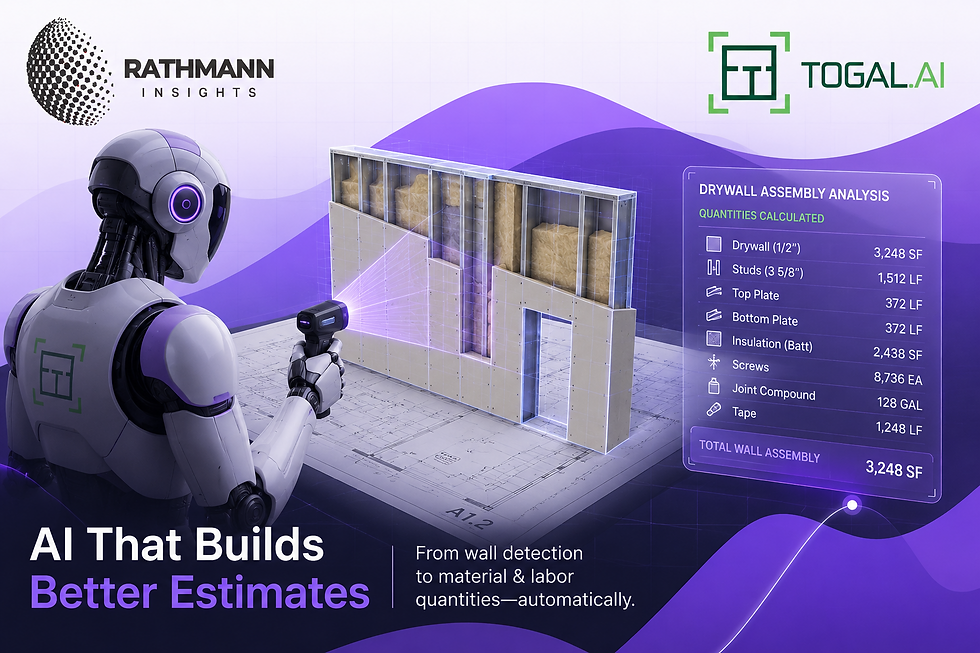
I haven't used Togal.AI directly—my view of it comes from what I've read in the market, including Rathmann Insights' coverage. The reputation it's earned is for speed on standard commercial drawings - repetitive floor plans where rooms are well-defined and walls are clean. That's a real capability. For a high-volume estimator bidding ten standard projects a week, that speed advantage is transformative.
For fit-out work, I'm not convinced. The AI has been trained predominantly on standard architectural floor plans. Luxury retail interiors are not that. Curved walls, bespoke joinery, ceiling coffers with integrated lighting, finish boundaries that follow the designer's eye rather than a structural grid - these are the conditions where automated detection struggles and where the human reading of the drawing still earns its place.
The Human-in-the-Loop Question Is Not Going Away
One of the central arguments in my thesis was that the construction industry's relationship with AI would be shaped not by the technology's capabilities, but by the profession's willingness to trust its outputs.
I still think that's right. The experienced estimators I've seen who do use AI takeoff tools run it as a first pass and then check the output manually not because they distrust the technology categorically, but because a missed wall or a misread opening on a bid document has real financial consequences. The AI accelerates the first pass. The human still validates what matters.
That's not a failure mode. That's a sensible professional response to a tool at its current level of maturity. And honestly, it's how good QS practice works with any tool. You don't just accept what the software produces, you verify it against the drawings, the spec, and your own understanding of the project.What Software Buyers Should Actually Be Asking
If you're evaluating AI-enabled construction software right now, a few questions are worth pushing on before you take the vendor's benchmark at face value.
What kind of project data was this trained on? A tool that performs brilliantly on standard commercial floor plans will behave differently on a complex fit-out drawing set. Ask for evidence on the project type you actually work on.
What happens when it gets it wrong? Every AI tool will produce errors. The question is whether the platform makes those errors visible and correctable — or whether they're buried in an output that looks authoritative. A quantity that looks right and isn't is worse than one you know to check.
How much does accuracy depend on my data quality? This is the question that separates useful AI from impressive demos. If the tool needs clean, consistently formatted drawing inputs to work well, and your drawing packages arrive the way mine do on an active fit-out, the gap between demo and deployment will be significant.
Does this tool make your experienced people more effective, or does it create a dependency that erodes the judgment you actually need?
The construction industry has always adopted technology that changed the work without removing the need for professional knowledge to do the work well. CAD didn't replace the architect. BIM didn't replace the project manager. AI won't replace the QS. But the QS who understands both sides the software capability and the construction reality will use these tools better than the one who doesn't. That combination is harder to replace than either skill alone.
Lekith Atmakuri is a Project Management professional with a strong foundation in civil engineering and over a year of hands-on experience across planning and project delivery support. He holds an MSc (1st Class) from Queen’s University Belfast and has since racked up 2+ years delivering infrastructure projects through Primavera P6, forensic delay analysis, NEC contracts, and CPM scheduling. He is passionate about sustainable infrastructure, continuous learning, and driving efficiency in construction through structured project management practices and digital tools like Primavera P6, ASTA Power Project, MS Project, forensic delay & disruption analysis, schedule variations, cost control and risk management.

Great insights, Lekith! Really important discussion right now — how AI tools work IN concert with established platforms like P6 and Bluebeam, rather than trying to replace them. Would love to read the full analysis.